Pictures and media
The cover picture and how it's cropped everywhere it appears, and a gallery of photos and videos.
The Media tab holds the event’s cover picture and its gallery.
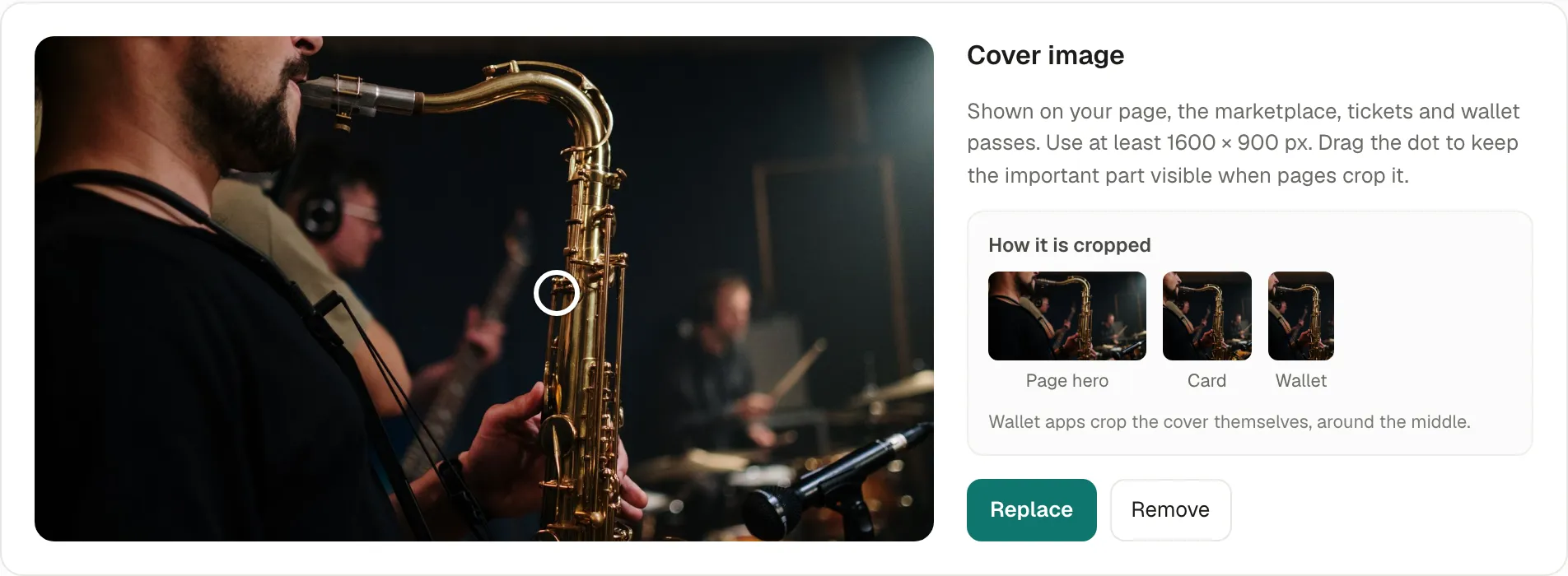
The cover
Section titled “The cover”The cover shows on your page, the marketplace, the tickets and the wallet passes. Use a picture of at least 1600 × 900 px (1920 × 1080 is best), in JPG, PNG or WebP, under 5 MB.
Each place crops it differently: How it is cropped shows the Page hero, the Card and the Wallet pass. Drag the dot on the cover, the focal point, onto what must stay visible (a face, a logo): every crop keeps it in view. Wallet apps crop the cover themselves, around the middle.
Replace to choose another picture; it opens the crop window, as when creating the event. Crop again reopens the crop window on the whole picture you uploaded, to frame it differently without uploading it again. It’s there for covers uploaded since November 2026.
The gallery
Section titled “The gallery”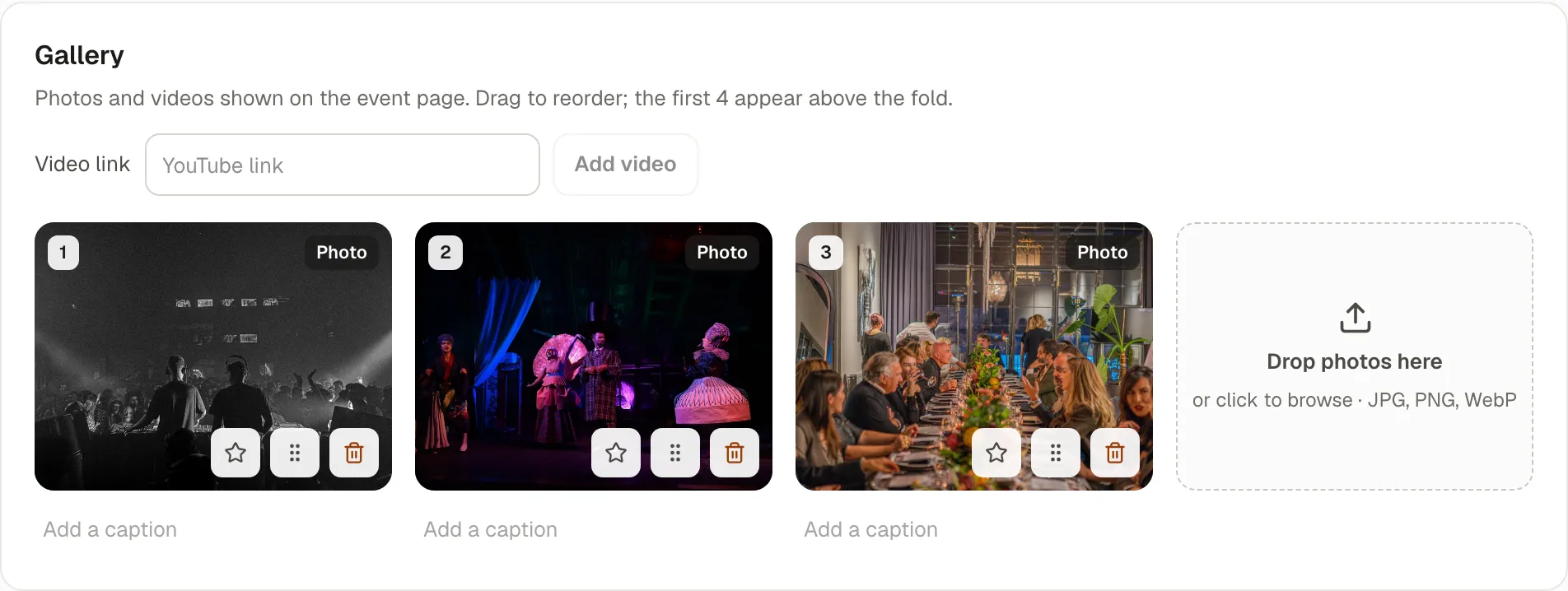
Photos and YouTube videos shown on the event’s page. Drop photos, or paste a YouTube link and Add video.
- Drag to reorder: the first ones appear high on the page.
- Add a caption to each.
- Use as the cover makes a gallery photo the cover.
After the event, add the night’s photos: the event’s page stays online, and participants come back to it.
If something’s wrong
Section titled “If something’s wrong”| What you see | Why | What to do |
|---|---|---|
| The image couldn’t be uploaded. Use a JPG, PNG or WebP picture under 5 MB. | Another format (HEIC from an iPhone, GIF…), or too large. | Export it as JPG, or make it smaller. |
| The crop window warns the picture is smaller than 1920 × 1080 px | It will be enlarged and may look soft on large screens. | Use a larger picture if you have one. |
| A face is cut on the marketplace card | The focal point is elsewhere. | Drag the dot onto the face. |
| Paste a YouTube link (youtube.com/watch or youtu.be). | Only YouTube links are supported. | Upload the video to YouTube (it can be unlisted), then paste its link. |