Currencies
Each event sells in one currency. Which ones you can use depends on your Stripe account's bank accounts.
Every event has one currency, and all its paid tickets use it. You can sell in euros, Swiss francs, pounds and other European currencies, as long as your Stripe account can pay you out in them.
Your default currency
Section titled “Your default currency”Open Payments › Checkout and receipts. Default currency is the currency of your new events.
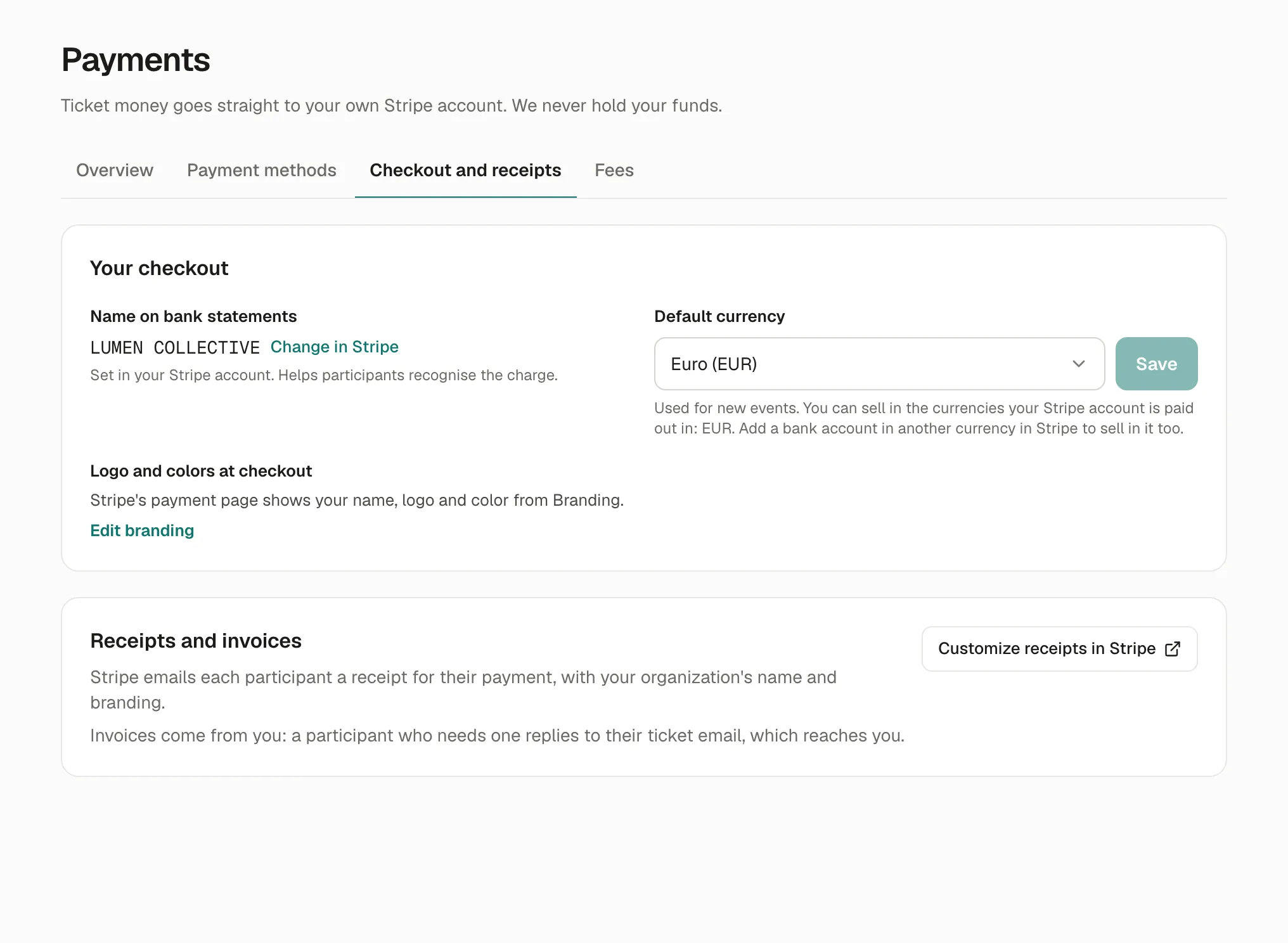
The hint under it lists the currencies you can sell in: the ones your Stripe account is paid out in. To sell in another one, add a bank account in that currency in your Stripe account; it then appears in the list.
An event’s currency
Section titled “An event’s currency”Each event can use another currency than your default one: in the event’s Details, change Currency. Its ticket types follow it.
The currency can change only until the first order. After that, it’s fixed, so orders, refunds and reports stay in one currency.
Why it works this way
Section titled “Why it works this way”- Your payout currencies decide, because Stripe pays you in the currency you sold in; without a bank account in that currency, it would convert the money at its own rate.
- One currency per event keeps a checkout simple: one total, one payment.
- The currency locks after the first order because refunds go back in the currency that was paid.
If something’s wrong
Section titled “If something’s wrong”| What you see | Why | What to do |
|---|---|---|
| This event already has orders, so its currency can’t change. | Someone already ordered. | Keep the currency, or create a new event (… › Duplicate) in the new currency. |
| The currency you want isn’t in the list | Your Stripe account isn’t paid out in it, or Kesho doesn’t offer it. | Add a bank account in that currency in Stripe. If it still doesn’t show, write to us. |