Venues
The places you host events, saved once with their address, pin on the map and capacity, then picked when you create an event.
Settings › Venues lists your venues. A venue is created the first time you use it in the event form (A new place), or here with Add venue.
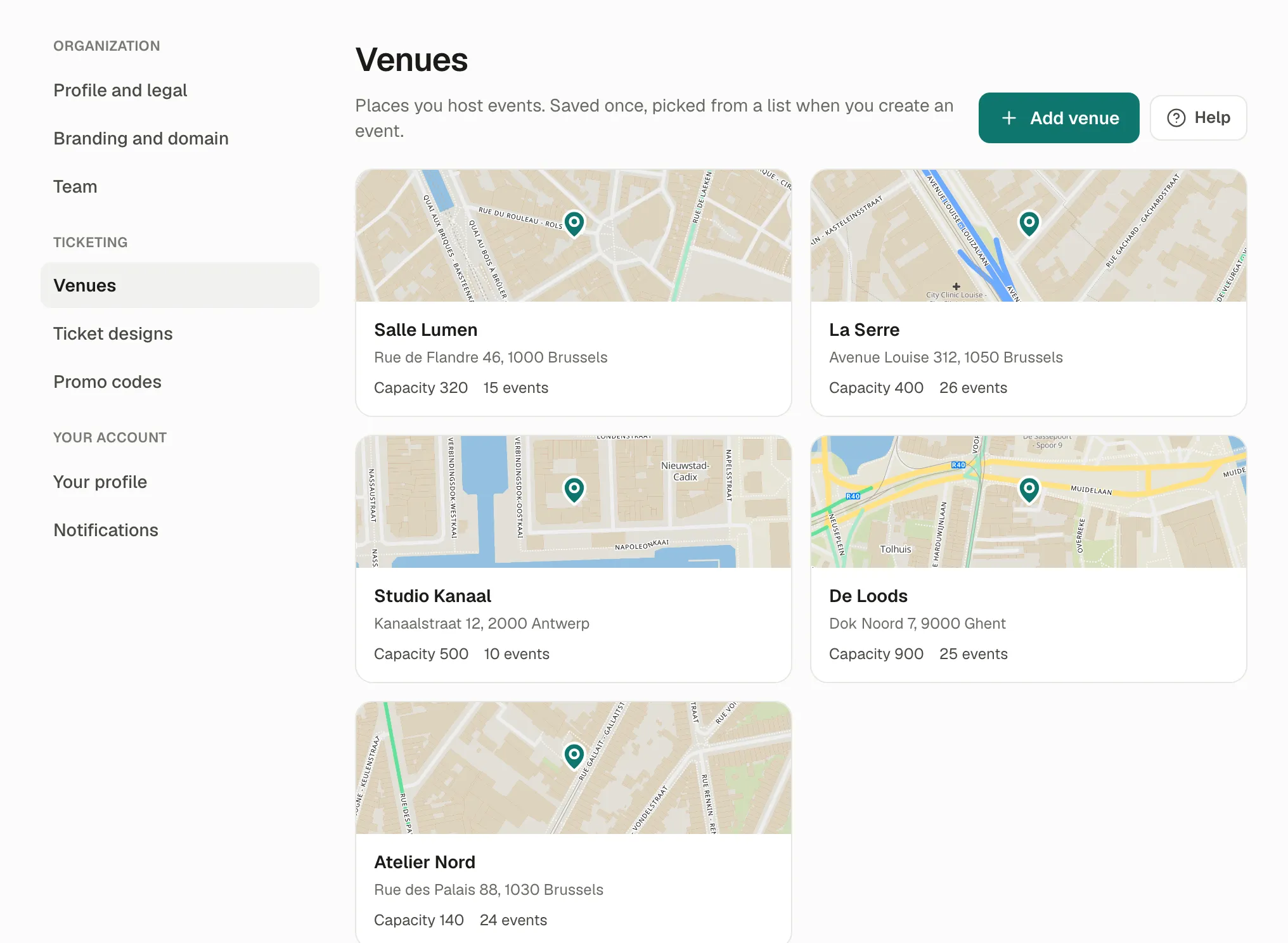
A venue
Section titled “A venue”- Name and address: type it and pick a suggestion, which places the pin on the map. Drag the pin to adjust it, or click the map to place it.
- Capacity: filled in for new events at this venue. Each event can have its own.
- Access notes for participants (optional): “Lift on the left of the main entrance, floor 7.” Shown with the address on your event pages.
- Map on A4 tickets: drawn once from the pin, then printed on A4 tickets. Moving the pin draws a new one.
Changes apply to every event at this venue, past ones included: the list says how many events use it.
If something’s wrong
Section titled “If something’s wrong”| What you see | Why | What to do |
|---|---|---|
| Venues used by an event can’t be deleted. | Events refer to it. | Keep it; it doesn’t show anywhere by itself. |
| No map on the event page or the tickets | The venue has no pin. | Edit it and pick the address from the suggestions, or place the pin. |
| The map couldn’t be drawn. Tickets show the address instead. | The map service didn’t answer. | Save the venue again later. |
| The pin is on the wrong building | The suggestion was approximate. | Drag the pin onto the entrance. |