Messages to attendees
Send an email (and an app notification) to everyone with a ticket for an event, or to some of them.
Practical news before the night (the doors time, the weather, the parking), a change of plan, a thank-you afterwards: send it to the people holding tickets.
Send a message
Section titled “Send a message”-
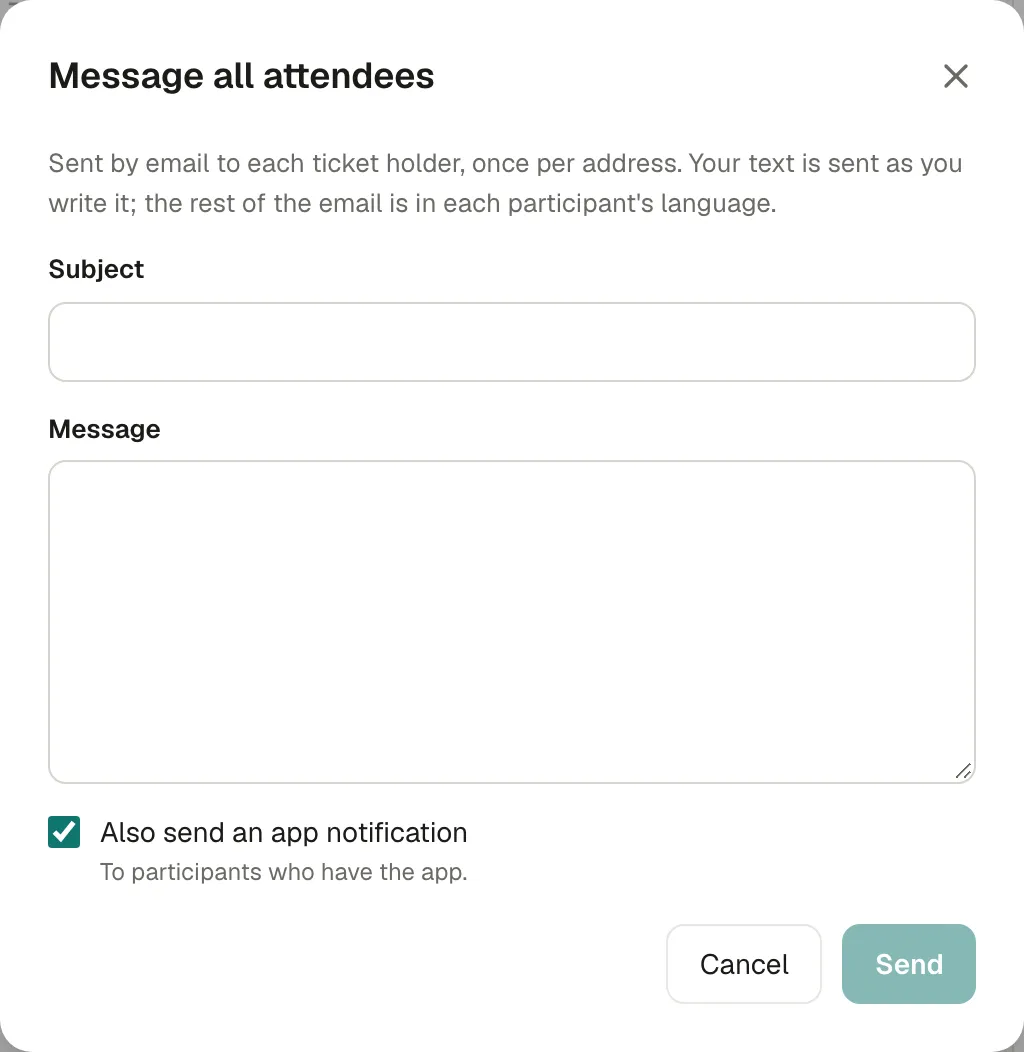
Open the event. In Overview, under Before the night, choose Message all attendees. Or, in Attendees, tick some people and choose to message them.
-
Write a Subject and a Message.
-
Tick Also send an app notification to reach participants who have the Kesho app, on their phone.
-
Send.
Each ticket holder receives it by email, once per address even with several tickets. Your text is sent as you wrote it; the rest of the email (greeting, event details, footer) is in each participant’s language.
The window reminds you of the last message sent: Last sent: “Doors at 20:30”, 2 hours ago, to 114 people.
Why there’s a limit
Section titled “Why there’s a limit”You can send 5 messages per event per day, so participants keep reading them.
If something’s wrong
Section titled “If something’s wrong”| What you see | Why | What to do |
|---|---|---|
| You can send 5 messages per event per day. Try again tomorrow. | The daily limit is reached. | Put everything in one message, or wait until tomorrow. |
| A participant didn’t get it | Their spam folder, or they opted out of organizer emails. | Ask them to check their spam folder. |
| Some participants are in another language | The email’s frame follows each participant’s language; your text doesn’t. | Write your message in two languages if your audience is mixed. |