Tracked links and where participants come from
Know which post, newsletter or flyer brings participants and sales, with a tracked link for each campaign.
Where participants come from
Section titled “Where participants come from”The event’s Overview shows Where participants come from: visits to the event’s page by source (a direct link, the Kesho marketplace, Instagram, Facebook, Google, a newsletter, other websites), over the last 90 days at most. Under Campaigns, each tracked link with its visits.
Your dashboard and the Audience figures add the page views, the checkouts started, the orders, and the conversion: orders per page view.
Make a tracked link
Section titled “Make a tracked link”-
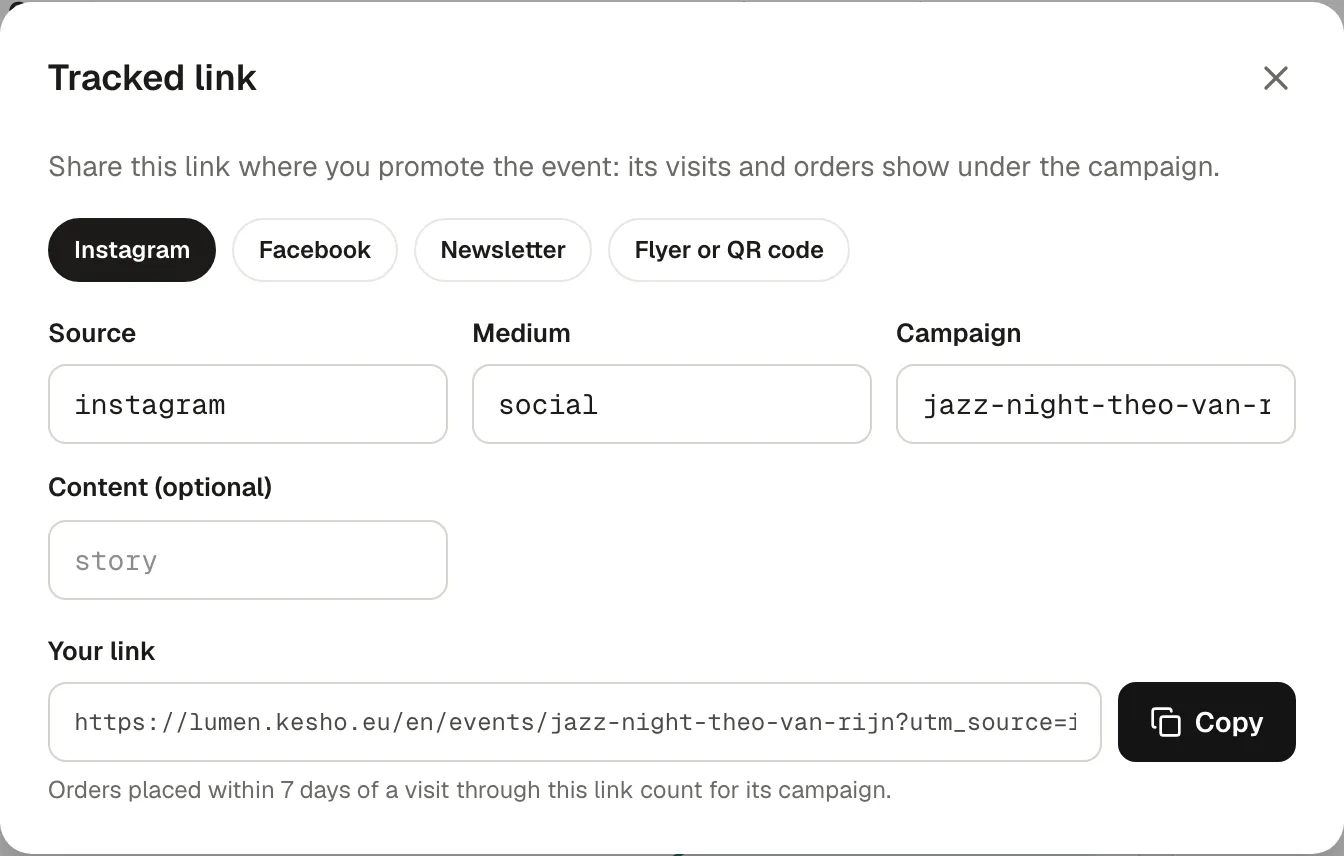
In the event’s Overview, choose Create a tracked link (UTM).
-
Choose a preset (Instagram, Facebook, Newsletter, Flyer or QR code) or fill in Source, Medium and Campaign yourself. Content tells two links of one campaign apart (“story” and “bio”).
-
Copy the link and use it in that place only.
How orders are counted
Section titled “How orders are counted”An order counts for a campaign when it’s placed within 7 days of a visit through its link, even if the participant comes back another way. The campaign is kept with the order: Orders › Export has the utm_source, utm_medium and utm_campaign columns.
Why it works this way
Section titled “Why it works this way”- One link per place: a link shared everywhere can’t tell you what worked.
- The visits are kept 90 days, the orders’ campaigns forever.
If something’s wrong
Section titled “If something’s wrong”| What you see | Why | What to do |
|---|---|---|
| Audience figures aren’t set up on this install yet. | Visits aren’t recorded on this install. | Orders still keep their campaign, in the export. |
| Collecting data. | No visits recorded yet. | Figures appear after the first visits. |
| A campaign shows visits but no orders | People looked and didn’t buy, or bought more than 7 days later. | Check the page and the price; try another message. |
| Instagram shows less than expected | Visits from social media apps often arrive without saying where they come from, and count as Direct link. | Use a tracked link in your bio and stories. |