Notifications
Choose what you're told about, by email and in the admin, and get a daily summary.
Settings › Notifications sets what you hear about, for the organization you’re in. It only affects you: each team member chooses their own.
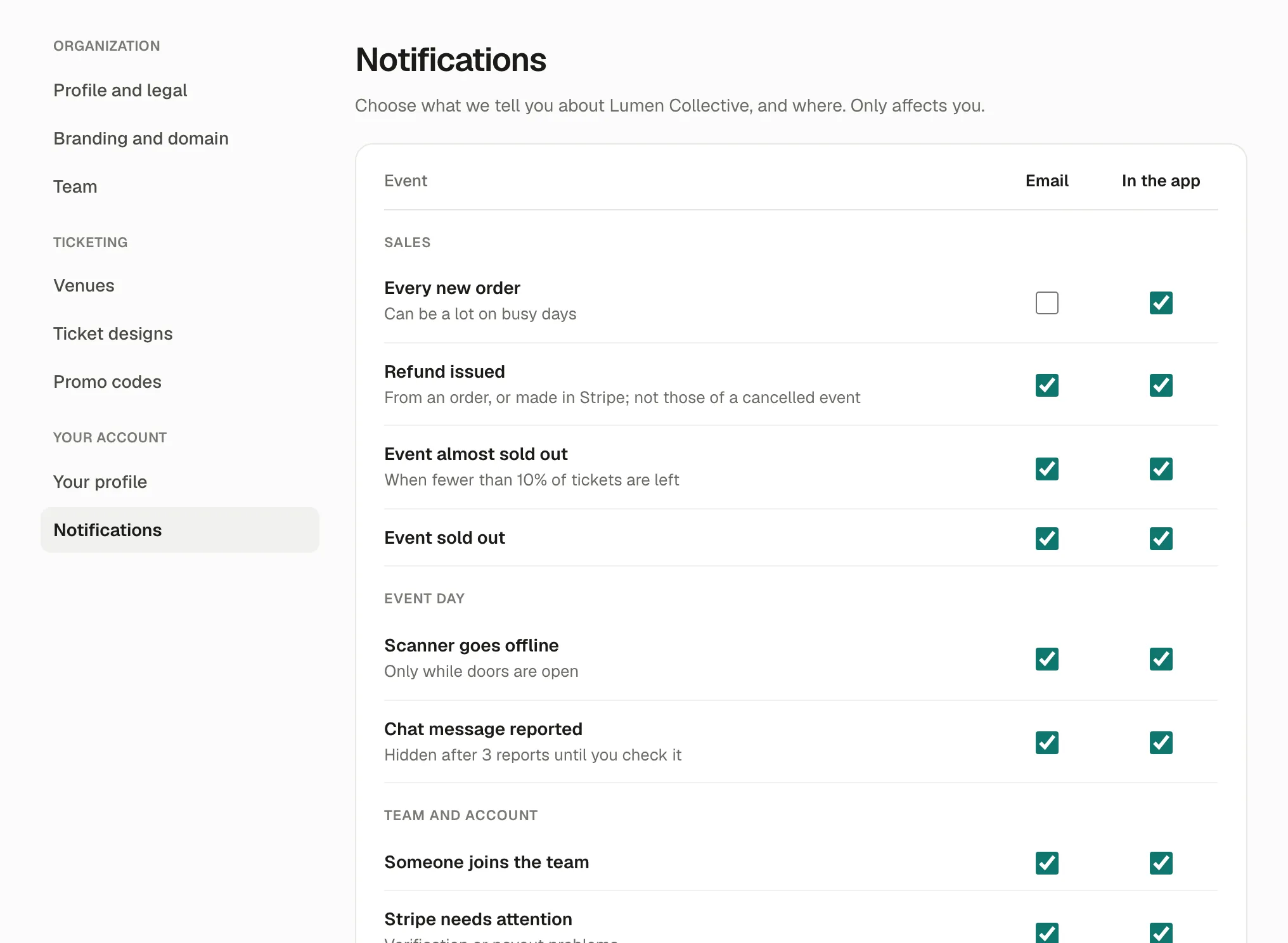
What you can be told about
Section titled “What you can be told about”| Group | Notification |
|---|---|
| Sales | Every new order (can be a lot on busy days), Refund issued, Event almost sold out (fewer than 10% of tickets left), Event sold out |
| Event day | Scanner goes offline (only while doors are open), Chat message reported |
| Team and account | Someone joins the team, Stripe needs attention (verification or payout problems) |
For each, tick Email and In the app: notifications in the app show under the bell, at the top of the admin.
Daily summary
Section titled “Daily summary”One email with yesterday’s sales, check-ins and anything that needs you. Choose when it’s sent (Send at), in your time zone, or Off.
If something’s wrong
Section titled “If something’s wrong”| What you see | Why | What to do |
|---|---|---|
| Too many emails | Every new order is on. | Turn its email off and keep the daily summary. |
| No email at all | They’re off, or in your spam folder. | Check the ticks here, and your spam folder. |
| The summary comes at the wrong hour | Your time zone. | Set it in Settings › Your profile. |