Event chat
A chat for the people going, in the Kesho app, open around the event. You post announcements and keep it friendly.
Each event can have a chat in the Kesho app, for its ticket holders: meeting up, lost and found, “is the bar open?”. It opens a few hours before the doors and closes a few hours after the end. It’s in the app only, not on the website.
Turn it on
Section titled “Turn it on”In the event’s Details, Chat and extras, Event chat in the app: set how many hours before the start it opens and how many hours after the end it closes. Off: participants can’t chat about this event.
Follow and moderate it
Section titled “Follow and moderate it”The event’s Chat tab shows the chat live, and who is chatting.
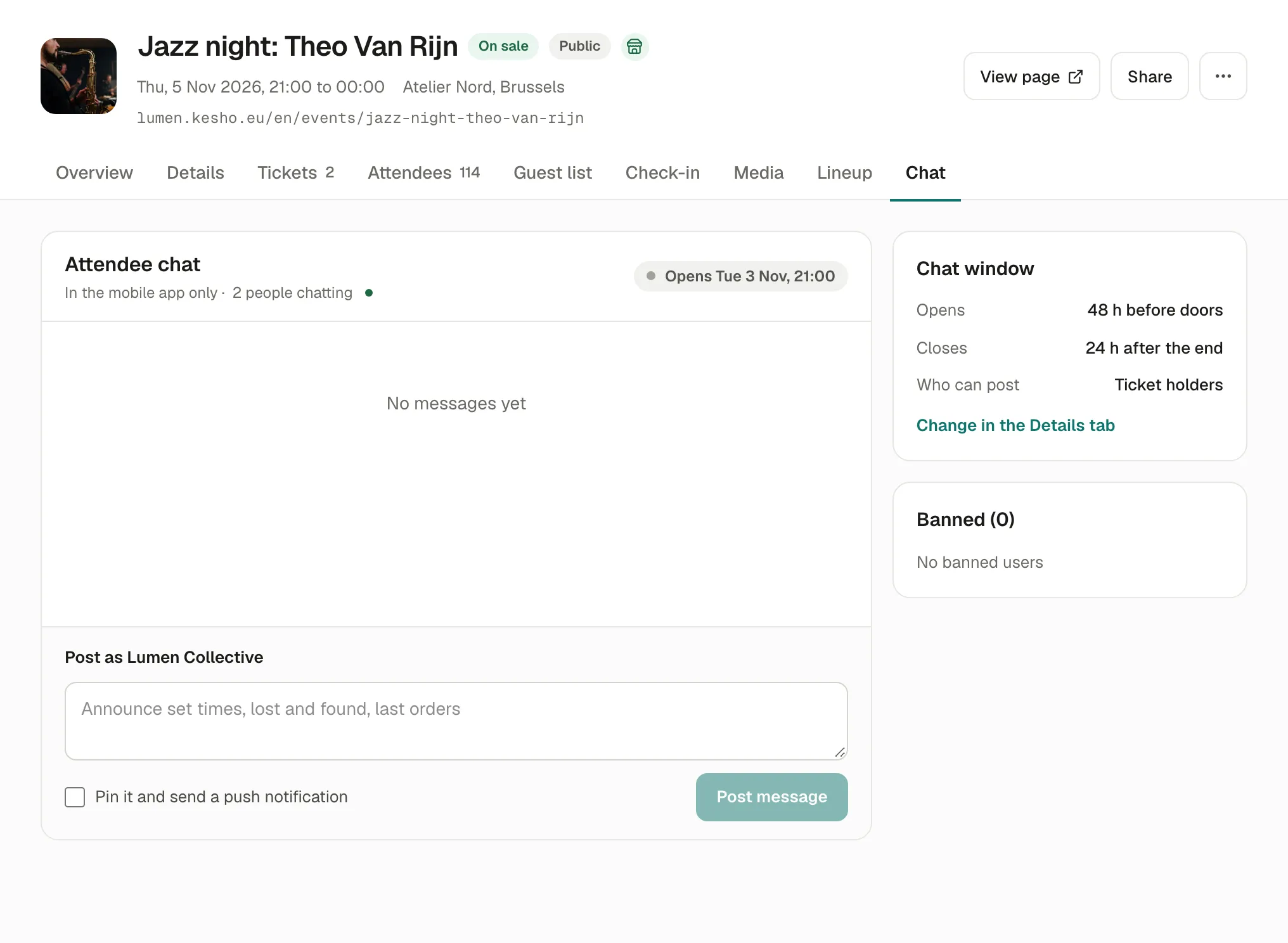
- Post as your organization: set times, last orders, lost and found. Tick Pin it and send a push notification for an important one.
- Pin a participant’s message to keep it on top, Delete one that shouldn’t be there.
- Ban someone (with a reason, only your team sees it): they can’t post any more. Lift ban under Banned.
Only ticket holders can post. A message reported by 3 participants is hidden until you check it; you can be notified (Settings › Notifications, Chat message reported).
Why it works this way
Section titled “Why it works this way”- Only people with tickets can post, so the chat stays about the event.
- It opens and closes around the event so nobody has to moderate it for weeks.
If something’s wrong
Section titled “If something’s wrong”| What you see | Why | What to do |
|---|---|---|
| Participants don’t see a chat | It’s off for this event, not open yet, or they don’t have the app. | Check Event chat in the app in Details; the Chat tab shows when it opens. |
| Disconnected in the Chat tab | Your connection dropped. | It reconnects by itself; reload the page if not. |
| A message keeps coming back | Another person posts it. | Ban them, with a reason. |